







 Places$3
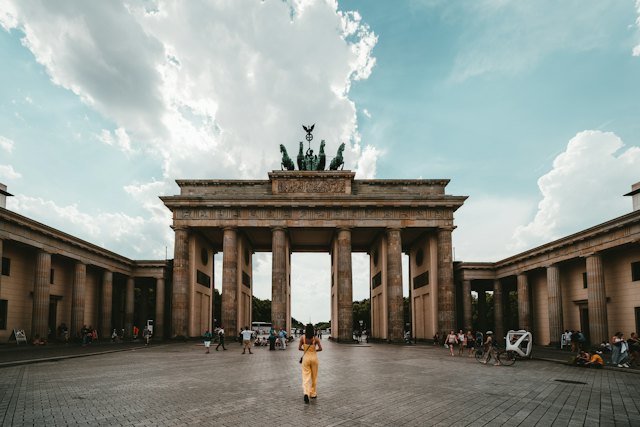
Laptop friendly cafes in Berlin
 Erdinc Akkaya
Berlin, Germany · 26 places
Animation: find a guide on MapShare, unlock it, open and save it in Google Maps.
Handpicked guides from our creator community.
From a list you’ve never seen to places saved in your own Google Maps.


Unlock a curated guide and get every location ready for Google Maps.
Look up every place, check it, save it. Then do it again.
Every place from the guide, pinned and ready to explore.
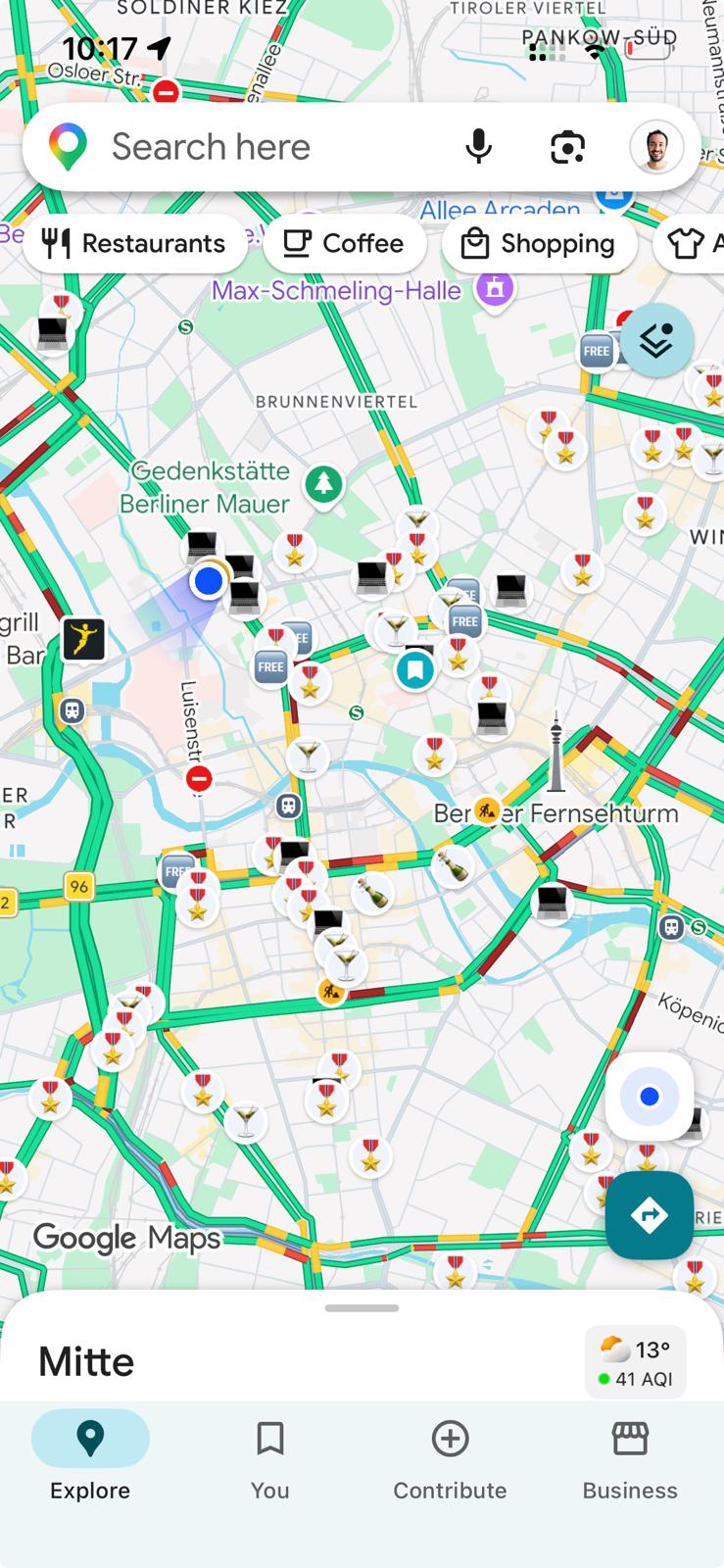
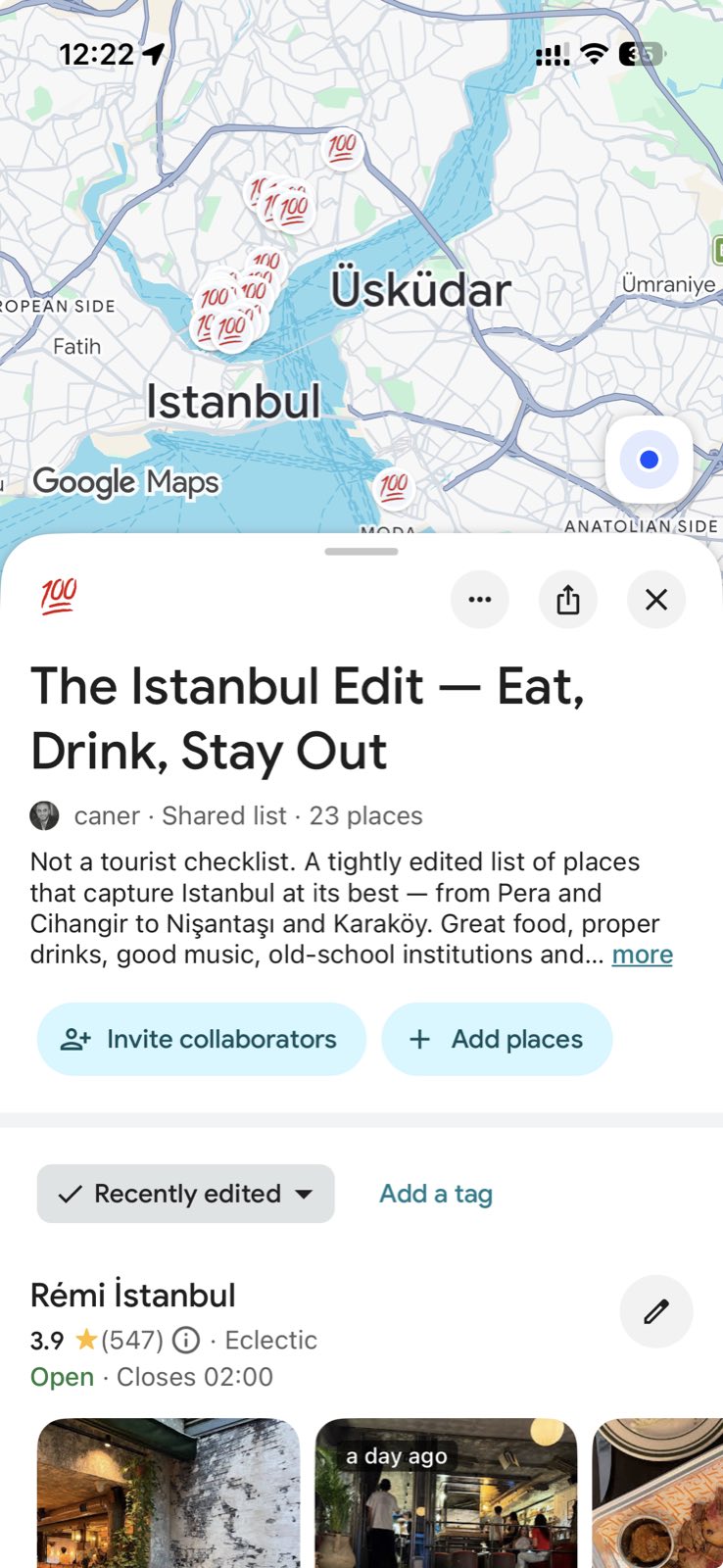
Screenshots from Google Maps. Google Maps is a trademark of Google LLC; MapShare is not affiliated with Google.
Create beautiful city guides, publish them and earn when people unlock your collections. Every MapShare account can create guides.
AI Guide GeneratorTurn videos and social posts into location guides. You review every place before it’s added.
Guides come from food writers, locals and frequent travellers, and some start from lists travellers already trust. Every guide shows who made it.
See the places, photos and notes in a guide before you decide. Switch between a compact list, detailed cards or a grid.
Unlocked guides open as a shared list in Google Maps, so every place is pinned and ready for directions on your phone.
Browse by city or search for a place, a theme or a creator. Guides that cover several cities show up under each of them.
Every creator has a profile with all their guides, filterable by city. Follow the ones you like to see their new guides first.
Import a Google Maps list for free, add your notes and photos, then share it for free or put a price on it.
Yes. After you unlock a guide, you open its places as a shared list in Google Maps on your phone or computer. Follow the list to keep it in your Saved tab.
No. MapShare is independent and not affiliated with Google. Google Maps is a trademark of Google LLC.
No. Guides are made by independent creators. A guide may mention awards or publications, but that doesn’t mean they endorse MapShare.
The shared list belongs to the creator, so you can’t change it. You can save any place from it to your own lists and add your own notes there.
Every place in the guide with the creator’s descriptions and notes, exact pins, and a link to open the whole list in Google Maps. Access doesn’t expire.
You can. A guide saves you hours of reading reviews and saving places one by one, and gives you the picks of someone who has actually been there.